
Automate workflows when leads book, cancel, or no-show
Turn form submissions, outbound emails, or cold calls into meetings with scheduling tools that work with you.
Default gives agents infrastructure that spans your stack, while LeanData stays locked inside Salesforce.













“Default replaced a clunky LeanData + Marketo + Salesforce setup in a workflow that we set up in just few hours.”

No more building LeanData workflows that only automate leads or account objects. Default allows you to reference all CRM objects, waterfall enrichment and AI agents within one workflow.
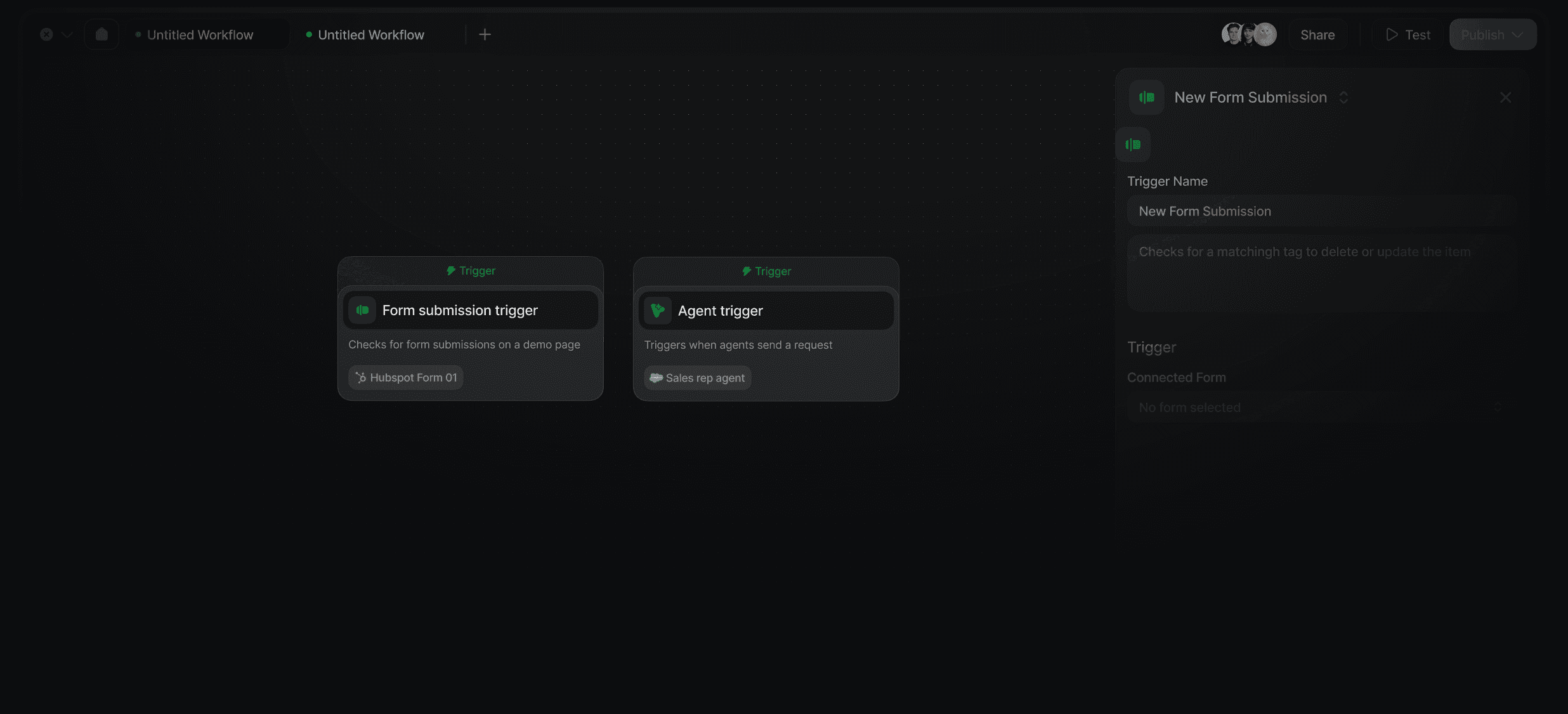
Turn form submissions, outbound emails, or cold calls into meetings with scheduling tools that work with you.

Default includes enrichment data from multiple providers to give you flexibility in the data you use.
 DefaultDefault
Use Default's integrations and native enrichment to customize your workflow logic to your team's liking.
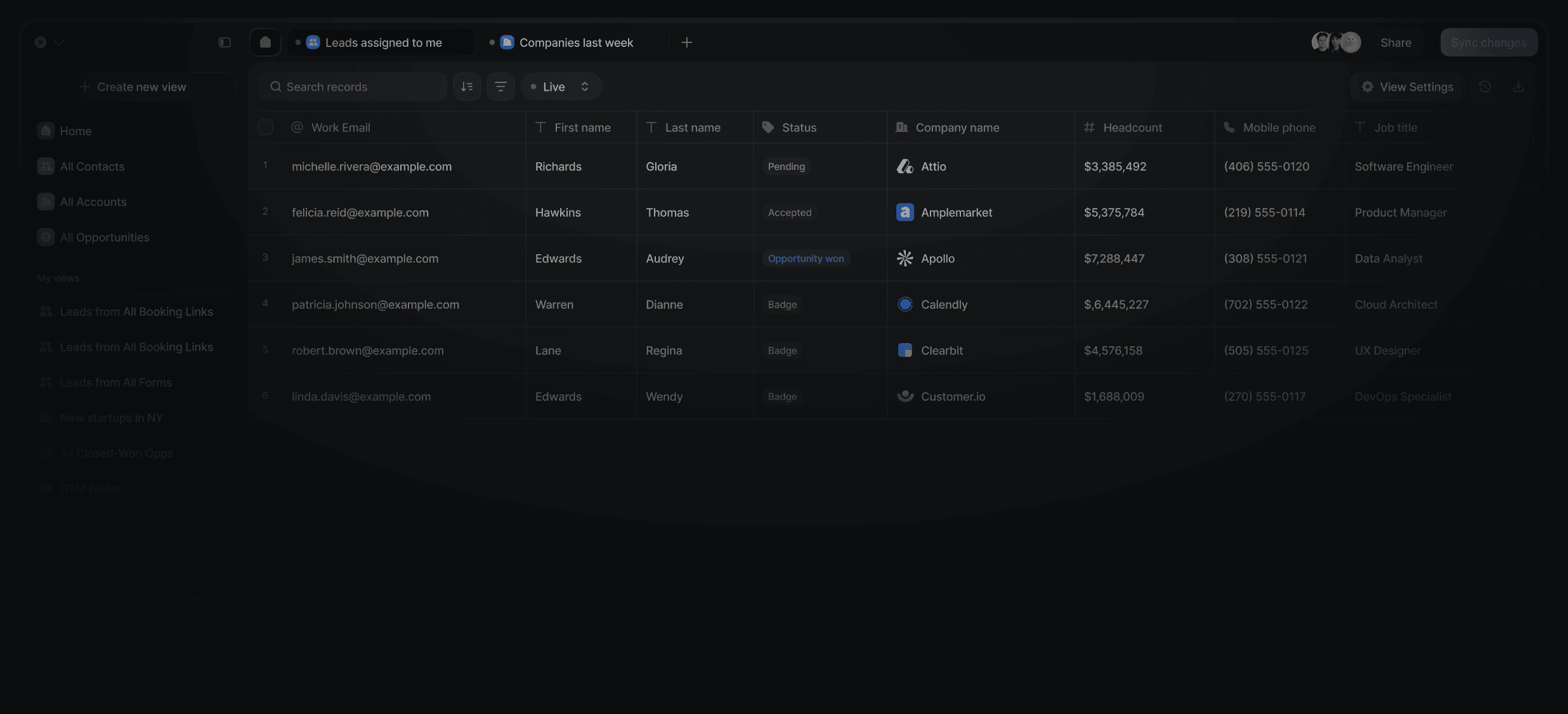

Sync only the data you need. Automate your workflows in Salesforce, HubSpot, and Attio.

Get visibility into routing logic that determined each lead's journey.
DefaultDefaultCustomize fonts, colors, and logos on every scheduling asset.
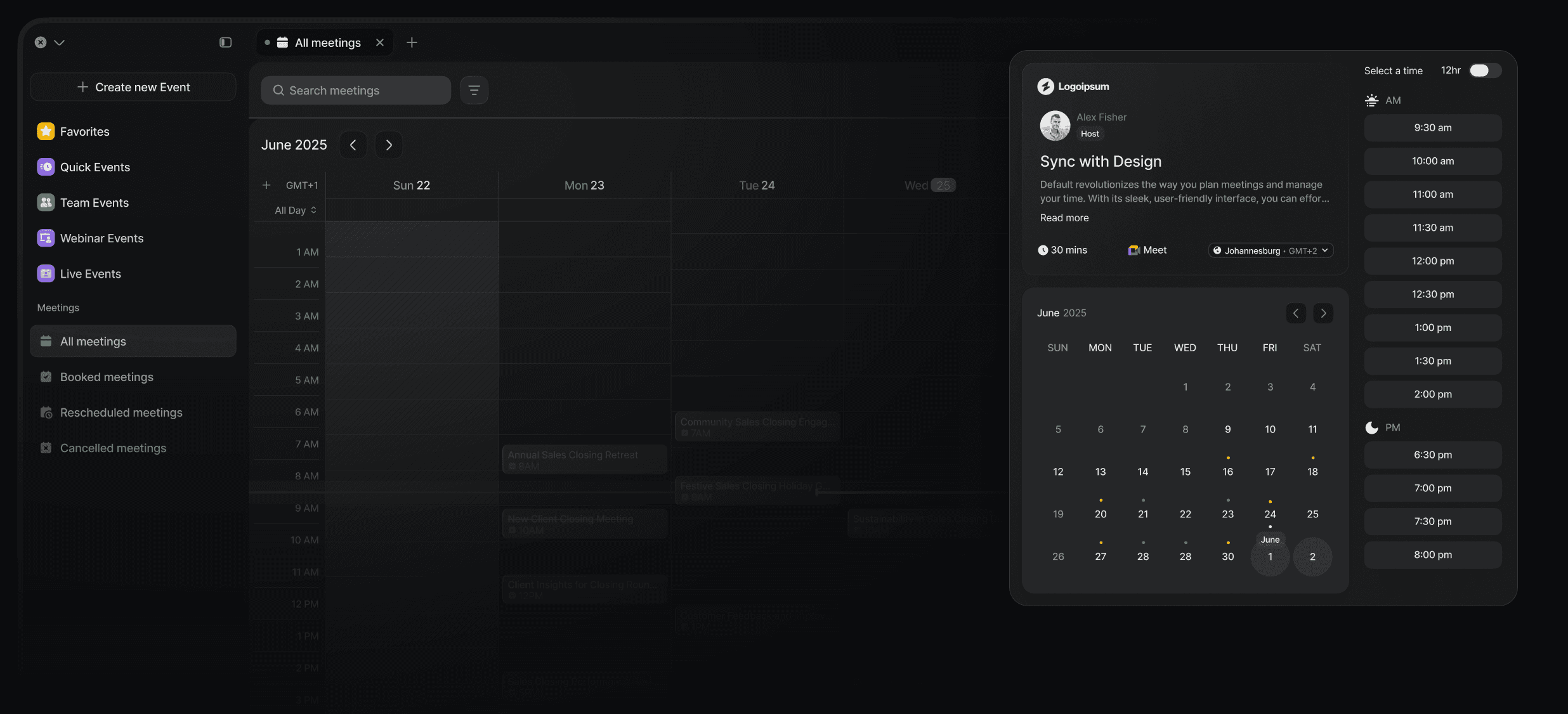
Enroll leads who don't book into follow-up sequences to automate your inbound SLAs.
Send emails, re-assign owners, or notify reps when leads don't show, reschedule, or cancel.
DefaultDefaultWhat our customers say
Default has been a really core pillar in our go-to-market tech stack - we have one tool to do it all.”

It’s night and day compared to before. Thanks to Default, our revenue system just works, and the team trusts it.”

Because we moved to Default, we were able to bring more structure to how we think about go-to-market.”

The jump in open pipeline was so large that our team thought the number was fake. But it was real and it started right after we launched Default.”

The experience has been awesome because when we want to change routing or assignment, we just can do it all through Default super easily.”

My favorite part about Default is having everything in one place. It makes building better routing easier and is 10x more intuitive.”

Default unifies your revenue data, gives agents the tools to act on it, and deploys an orchestrator that coordinates work across your entire go-to-market.
