


Lead detection
Recognize the lead on a Gmail thread or a Salesforce or HubSpot record.
Fast, fair, and auditable SDR to AE handoffs
A routing workflow picks the AE, and the meeting records the SDR who booked it.












The workflow starts when an SDR books a lead from a Gmail thread in the Chrome extension.
Match the lead on the page to its Salesforce record by email.
Hand each SDR booking to the next account executive in the same queue your inbound leads use.
The SDR picks a time on the routed AE's calendar and books the intro call.
The SDR who booked each meeting is recorded on the Lead, next to its new owner.
The extension loads the lead from Gmail, Salesforce, or HubSpot, then opens the routed AE's calendar to book.
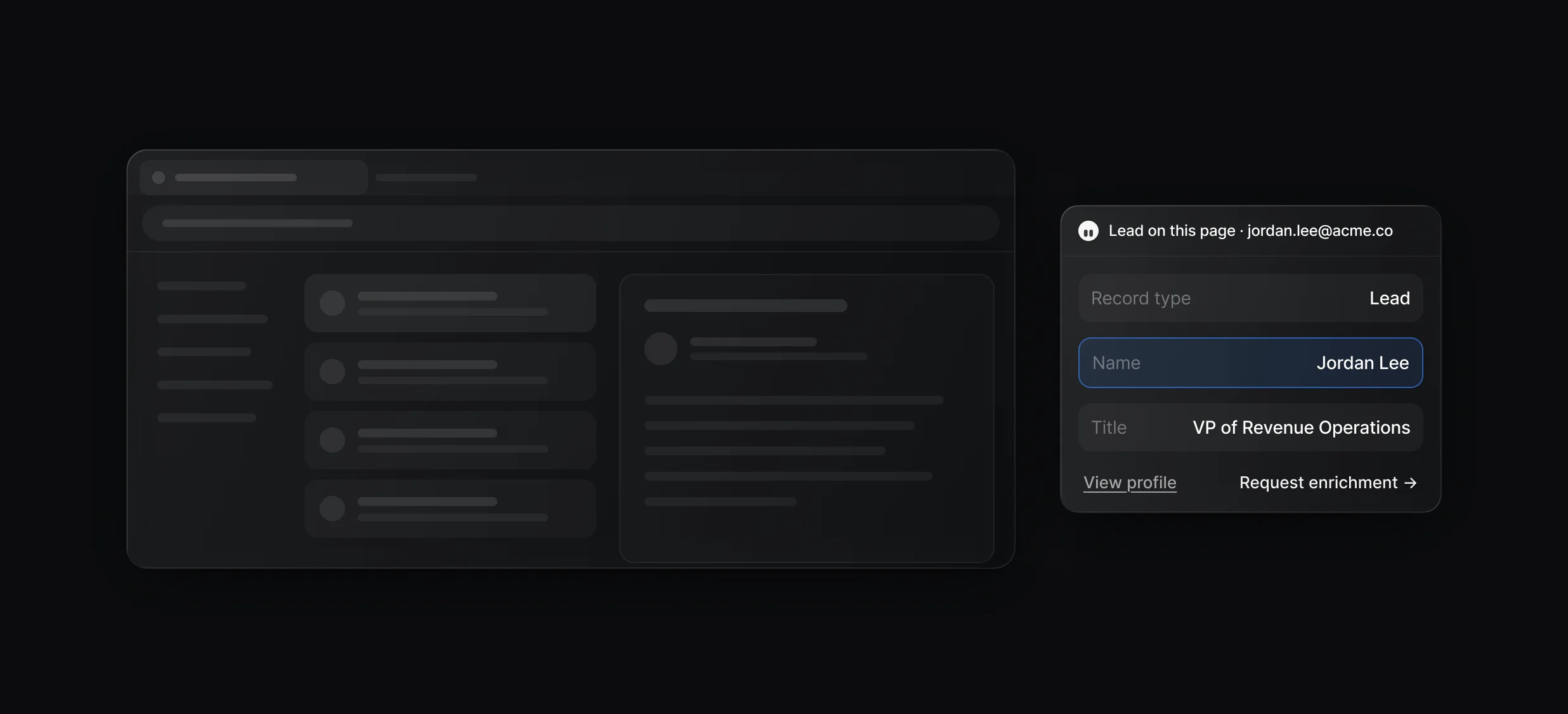
Recognize the lead on a Gmail thread or a Salesforce or HubSpot record.
Show the lead's record type, title, and mobile from your CRM and Default's data.
Fill thin records with waterfall enrichment before routing.
Add the Extension trigger to your inbound workflow and govern SDR bookings with the same queues and policies.
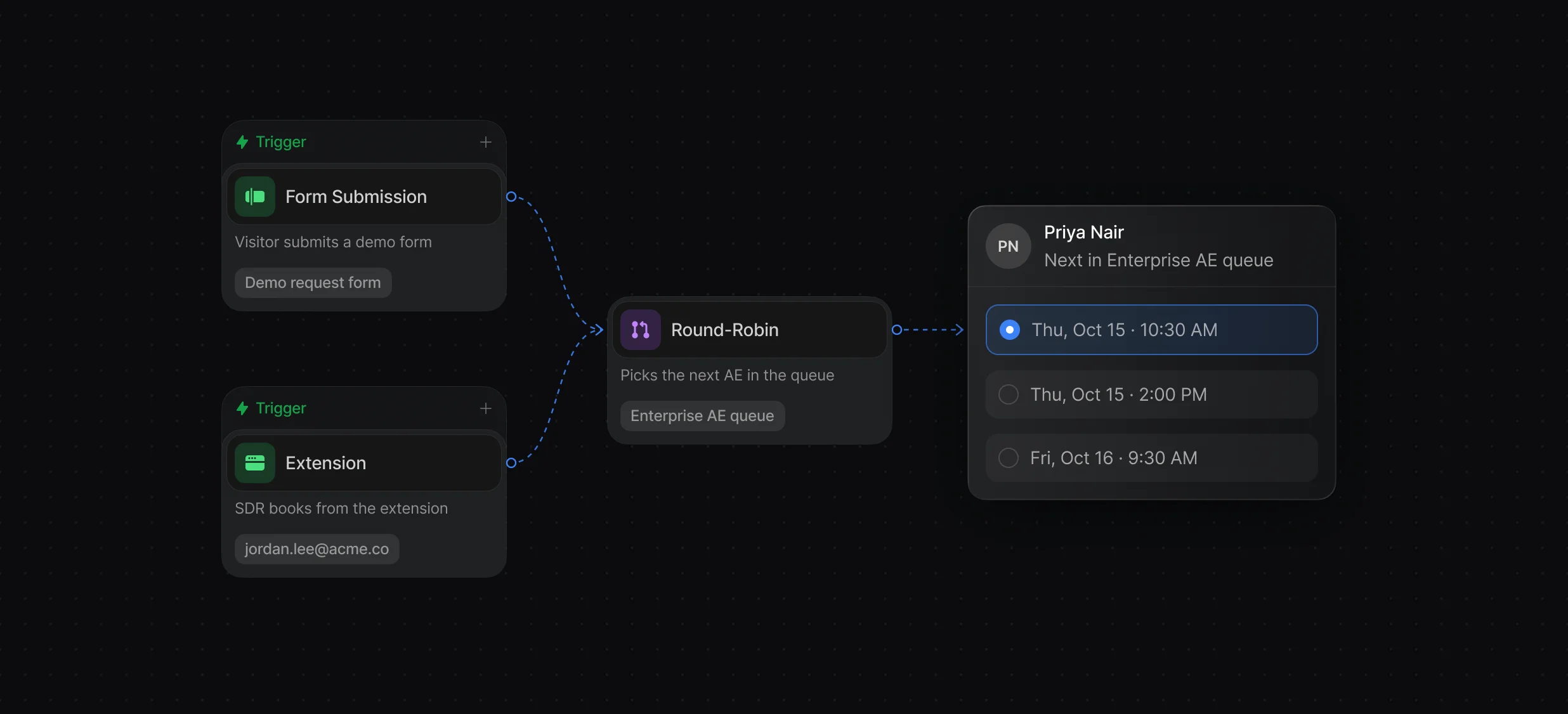
Run the same workflow from forms and the extension.
Owner first, then territory, queue, or round robin across AEs.
Book with yourself, a set of AEs, or a queue as the host.
On a booked meeting, a workflow writes the booker to your CRM and sends the AE context in Slack.
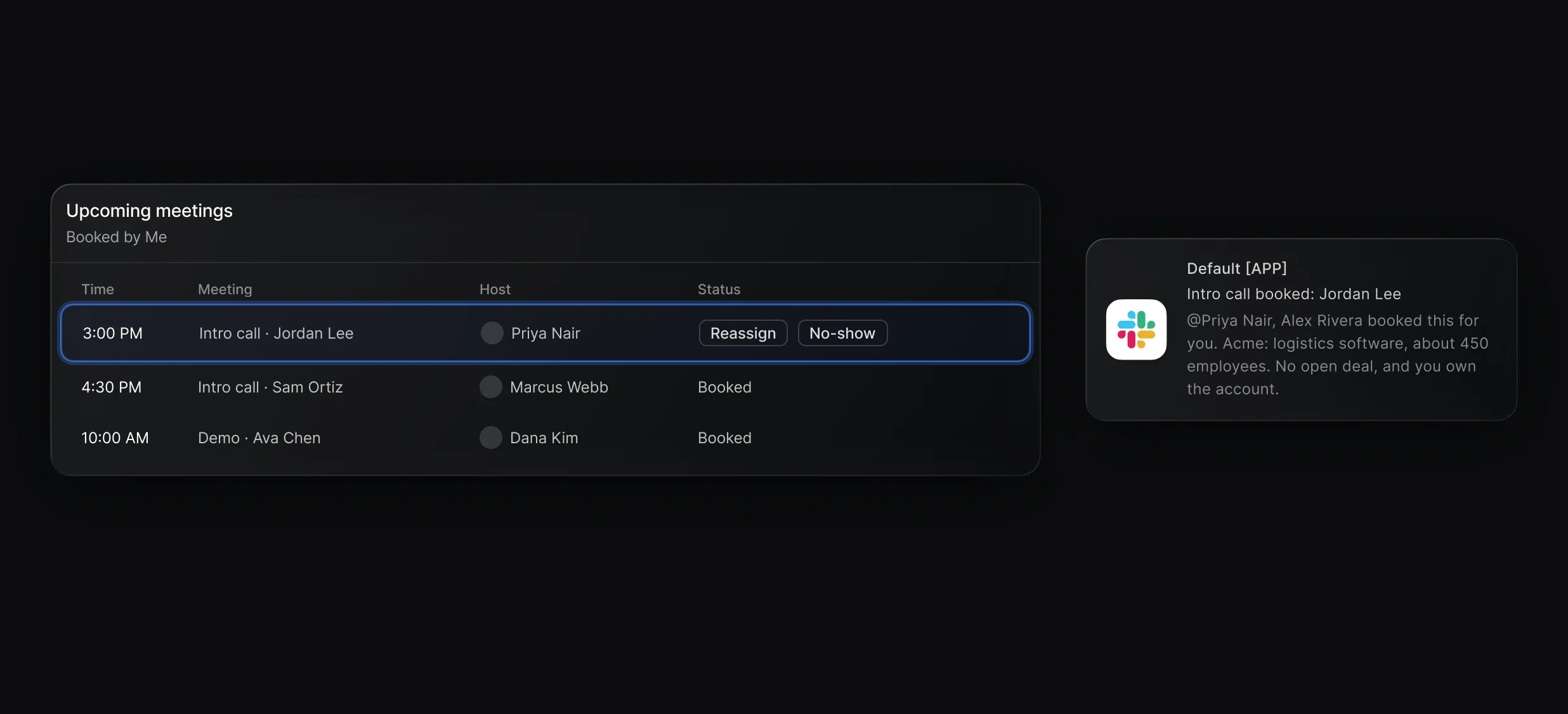
Write the SDR who booked each meeting to your CRM.
Send the AE a research brief on the account in Slack.
Reassign, reschedule, or mark a no-show from the panel.
“It’s the control layer we’re using to run GTM from the same brain.”

It is the moment a sales development rep (SDR) passes a qualified lead to an account executive (AE), usually by booking the AE's first meeting with the lead. In Default, the SDR books it from the Chrome extension and a routing workflow picks the AE.
An admin adds the Extension trigger to a workflow, often the same one inbound leads run through. When the SDR clicks Book a meeting with, that workflow routes the lead by owner, territory, queue, or round robin, then shows the AE's open times.
Yes. The meeting records the SDR as its booker, so it shows under Booked by Me, and a workflow can write the booker to a field in your CRM.
Yes. Copy a Booking Link runs the same routing and copies a link the prospect can use to pick a time, for up to 24 hours. A meeting booked from the link doesn't record the SDR as its booker.
The Chrome extension detects the lead in Gmail, on Salesforce Lead and Contact pages, and on HubSpot contacts. On any other tab, the SDR types the lead's email.
No. The Chrome extension is included in the Scheduling and Routing + Scheduling seats, and access follows your workspace permissions. Seat prices are on the pricing page.
Reps install it and sign in by following the Chrome extension docs. An admin adds the Extension trigger to a workflow before the first handoff.
Branded calendars, routing queues, and group events.
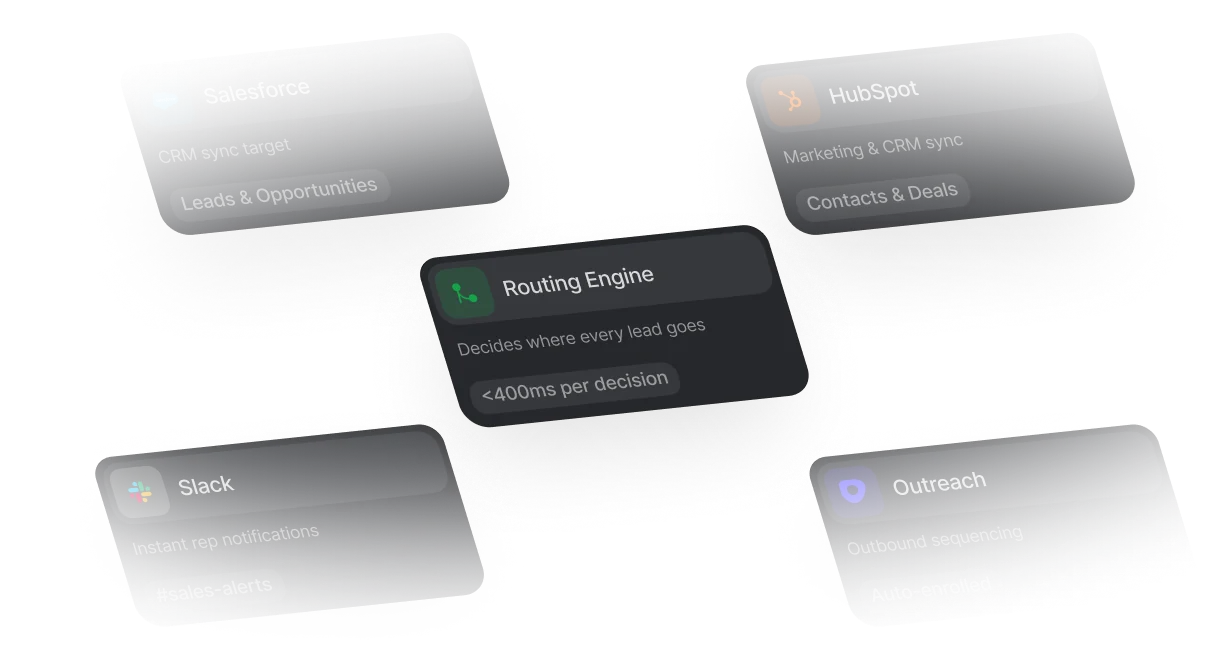
Route leads across territories and segments, with logs.
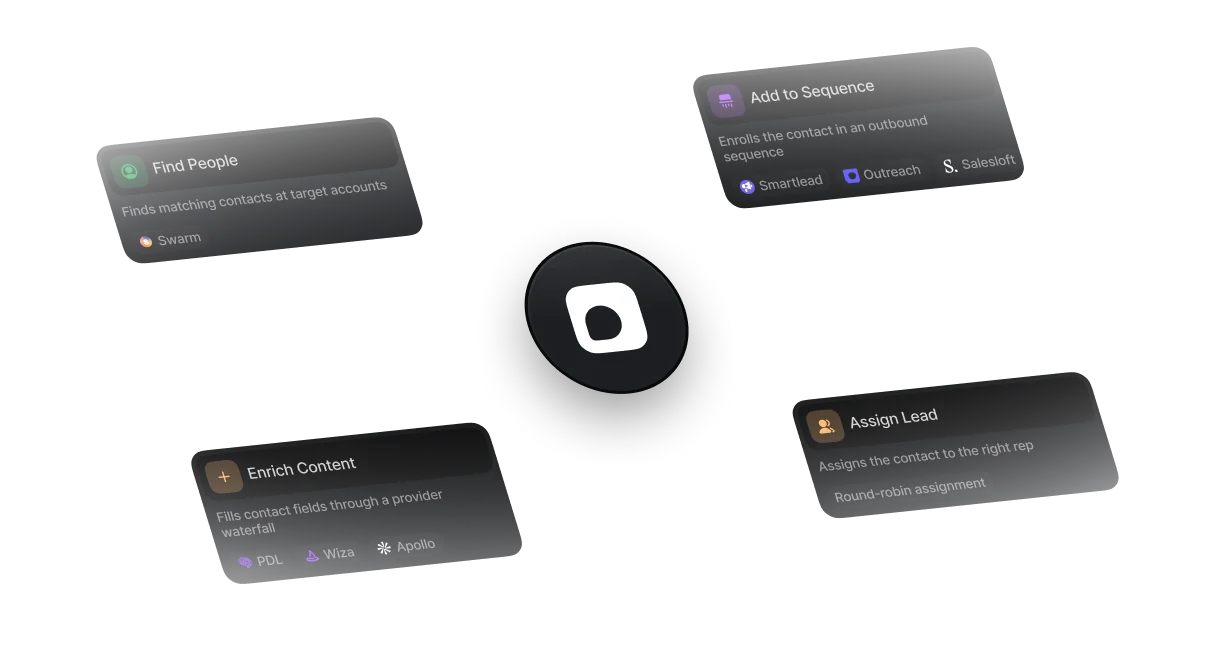
Prospect, enrich, and sequence on first-party signals.
One platform to manage workflows, enrich records, route leads, and schedule meetings.